Skip to content
Sembosi Digital Sembosi Digital

A software company in Tanzania

We build software
that keeps working.

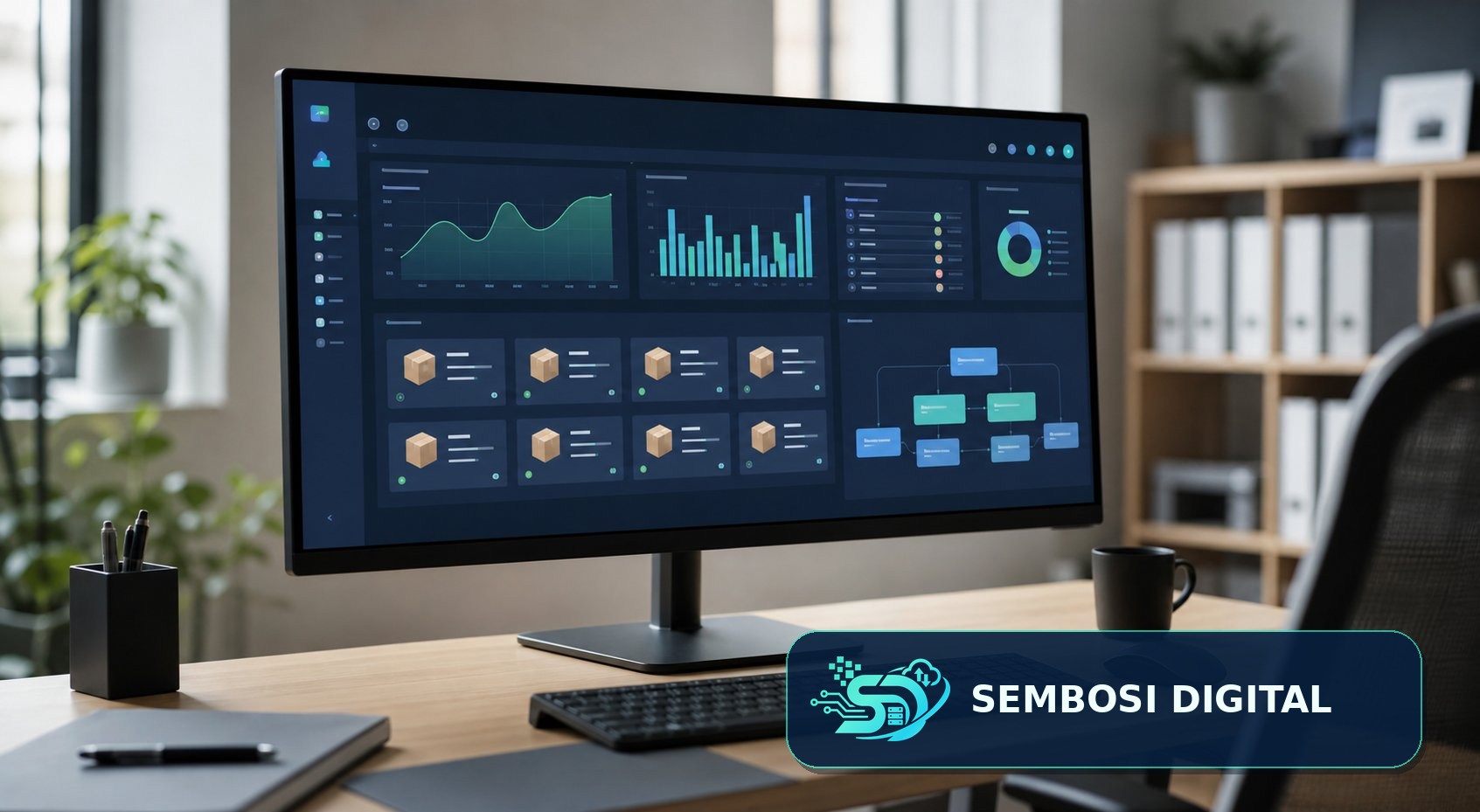
Sembosi Digital is a software company founded by David Sembosi. Our team builds websites, web applications, Android apps and business systems for organizations that need software to work properly — and keep working after launch.
4.6 Client reviews

We would rather understand the problem properly than ship something clever. Every project starts with a conversation about what is actually breaking.

Clients

Healthcare Finance & Banking Education Retail & Commerce Logistics Startups
David Peter Sembosi

Behind the company

David Peter Sembosi

Founder & CEO

Software only earns its keep when the people using it can do their job without thinking about it. That is the standard we build to.

David Sembosi founded Sembosi Digital to build software that organisations in Tanzania can rely on. He leads a small team that takes a project from the first conversation through to long-term maintenance, and stays hands-on across delivery.

What we do

How we turn a brief into
software that ships

Focused capabilities, delivered by the same team from first conversation to long-term maintenance.
How we turn a brief into

Industries

Build and scale with us
in your domain

We already ship into the sectors below, so the shortcuts, the compliance questions and the failure modes are familiar before the first line of code is written.

Healthcare

Hospital management, patient records, clinic booking and reporting systems that stay online.

Finance & Banking

Loan and savings platforms, reconciliation tools and dashboards built around audit trails.

Education

School portals, results management, fee tracking and parent communication apps.

Retail & Commerce

Point of sale, stock control and multi-branch reporting that survives a busy Saturday.

Logistics

Fleet tracking, dispatch and delivery confirmation for teams that move things for a living.

Startups

MVPs, internal tools and integrations that let a small team punch above its weight.

How we work

A Process You Can Follow
From First Call To Go-Live

Seven stages, each with a clear deliverable before the next one begins. You always know where the work stands.
A Process You Can Follow

Scroll over the page or swipe to turn it. Arrow keys work too.

Step 01 07
  1. Step 01

    Discovery

    We start by understanding how the work is actually done today — who touches it, where it slows down and where it breaks. Nothing is designed until we can describe your process back to you accurately.

    What happens here

    • Research & Analysis We study the current process
    • the people in it and the tools already in place
    • so the system fits reality rather than a diagram.
    • Goal Setting & Alignment We agree what a successful system looks like in measurable terms
    • and what is deliberately out of scope.
    • Solution Blueprint A short written blueprint covering users
    • data
    • integrations and the technology we would build on.
    Our tools Discovery workshop Plain-language brief Process map
  2. Step 02

    Planning

    Scope, architecture, technology choices, timeline and cost are agreed in writing before a line of code is written. You know what you are getting, when it arrives and what it costs.

    What happens here

    • Project Roadmap Milestones
    • deliverables and dates
    • so you can see exactly what lands and when.
    • Resource Allocation Who does what on our side
    • and what we need from yours to hold the dates.
    • Risk Management The things most likely to slip
    • named early
    • each with a plan attached.
    Our tools Written scope Fixed-price quote Milestone plan
  3. Step 03

    Design

    Wireframes and interface designs for the main screens, reviewed with the people who will use the system every day. Design decisions are settled before they become expensive to change.

    What happens here

    • Wireframing & Prototyping Screen layouts for the main journeys
    • reviewed and approved before any code exists.
    • User Research & Testing We walk the people who will use it daily through the screens and fix what confuses them.
    • Interface Design Final design: type
    • colour
    • spacing and every screen state including empty and error.
    Our tools Figma Wireframes Clickable prototype
  4. Step 04

    Development

    The system is built in stages on a staging environment you can see. Progress is visible while it is still cheap to change direction, and you are never waiting months for a reveal.

    What happens here

    • Front-End Development The interface
    • built responsive and fast on the devices your team actually uses.
    • Back-End Development Data model
    • business rules
    • roles and permissions
    • and the integrations that connect to what you already run.
    • Staged Delivery Work is committed in stages on a staging server
    • so you can follow progress and give feedback.
    Our tools PHP 8 Laravel MySQL JavaScript Tailwind CSS Git
  5. Step 05

    Testing

    Functional testing across roles and devices, security checks, data validation, backup and restore drills, and performance checks. A system that has not been tested has not been finished.

    What happens here

    • Functional Testing Every screen and every role tested against the brief
    • on the browsers and devices you use.
    • Integration Testing The pieces checked together: payments
    • SMS
    • email
    • third-party APIs and reports.
    • User Acceptance Testing Your team runs their own scenarios on staging and signs off before anything goes live.
    Our tools Test plan Staging server UAT sign-off
  6. Step 06

    Deployment

    Production setup: domain, SSL, database, environment configuration, data migration and a monitored go-live with a rehearsed way back if anything unexpected happens.

    What happens here

    • Final Checks Security review
    • backup and restore drills
    • and load checks before the switch is flipped.
    • Deployment & Rollback A rehearsed launch with a documented way back if something unexpected happens.
    • Recovery Protocols Written recovery steps
    • so a bad day is an inconvenience rather than a catastrophe.
    Our tools Domain & SSL Production database Monitoring Rollback plan
  7. Step 07

    Support

    Handover with documentation and training, then optional maintenance: updates, monitoring, backups and technical support. You are never left holding a system nobody explained.

    What happens here

    • Ongoing Monitoring Uptime
    • errors
    • backups and disk watched
    • so problems are found before your team reports them.
    • Issue Resolution A named contact and an agreed response time
    • not a ticket queue.
    • Regular Updates Security patches
    • dependency updates and small improvements on a schedule you agree to.
    Our tools Uptime monitoring Daily backups Support retainer

Technology

Technologies
We Build With

The languages, frameworks and platforms we reach for, grouped by what they are used for.
Technologies

All

Case studies

Delivered with
Excellence

Demo projects that show how we approach a brief end to end — the thinking, the stack and the result.

9 Services on offer
6 Portfolio projects
24/7 Support after launch
2 Languages, English & Kiswahili
100% Source code handed over
1 Team, from brief to launch

Get practical notes in your inbox

Occasional writing on what we build, how we build it, and what we learned doing it. No spam, and you can unsubscribe any time.
Ready when you are

Have a system in mind?

Tell us what you need. We reply with a scope, a price and a timeline.

FAQ
Frequently Asked Questions

Frequently Asked Questions
What services do you provide?
Web development, software development, Android applications, PHP development, WordPress websites, themes and plugins, custom management systems (business, school, hospital, inventory, HR), e-commerce platforms, API development, database design, website maintenance, hosting and deployment, and IT consulting.
Do you build custom software?
Yes — custom software is a core part of the work. Systems are built around your actual requirements and workflows rather than forcing your organisation into off-the-shelf software. This includes internal platforms, dashboards, workflow automation and integrations with existing tools.
Can you deploy systems to cPanel?
Yes. Deployment work includes cPanel and VPS configuration, domain and DNS setup, SSL certificates, database creation, environment configuration, cron jobs, automated backups and release processes designed to avoid downtime.
How does the development process work?
The process runs in eight stages: consultation, requirements, planning, UI/UX design, development, testing, deployment and support. You see working progress at each stage, and feedback is built into the cycle rather than saved for the end.
How long does a project take?
It depends on scope. A focused website typically takes two to four weeks. A custom management system with multiple user roles, reporting and integrations usually takes six to twelve weeks. Timelines are agreed in writing before development starts, and work is delivered in stages.
How do payments and pricing work?
Projects are usually split into stages: an initial deposit to begin, a milestone payment at the working-demo stage, and a final payment at deployment. Products are licensed per installation. Exact figures are confirmed in a written quotation.
Chat on WhatsApp